
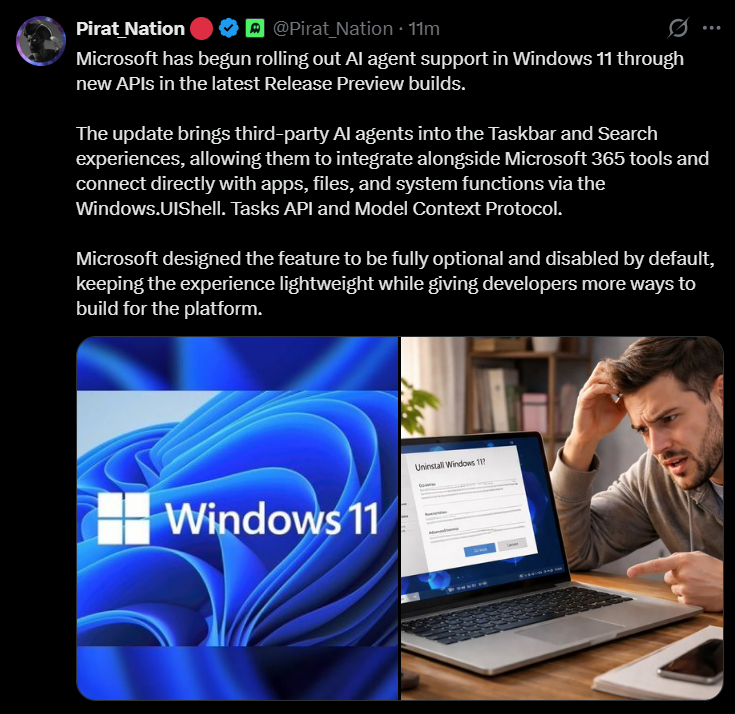
Microsoft has officially begun rolling out AI agent support in Windows 11 through brand-new developer APIs included in the latest Release Preview builds, specifically in Windows 11 Builds 26100.8313 and 26200.8313 (KB5083631), released to the "Release Preview Channel" on April 17, 2026.
For the first time, third-party AI agents can now live directly on the Windows 11 Taskbar and inside the Windows Search experience, not as a forced overlay or a mandatory feature, but as a smart, optional layer that users and developers can choose to adopt on their own terms.
Instead of switching between apps, users can now initiate and monitor complex AI-powered tasks directly from the system shell. The first agent to go live with this integration is "Microsoft 365 Researcher," which can execute multi-step research tasks, such as - summarizing documents, pulling from OneDrive files, generating structured reports, and the progress is visible directly on the Taskbar.
Users need to simply hover over the "Microsoft 365 Copilot" icon to track real-time progress and receive a notification the moment their task is complete. The broader rollout is expected to expand with the May 2026 Security Update. Most importantly, Microsoft has designed the entire system to be disabled by default, meaning no AI agent will activate or appear on the Taskbar unless users explicitly choose to enable it.
The underlying technology powering this integration is the open-standard "Model Context Protocol" (MCP), which is the same framework already gaining traction across the broader AI industry, and a new system-level API called "Windows.UI.Shell.Tasks."
Workings of the Windows 11 AI Agent System:
The new Windows 11 AI agent integration is built on several carefully designed technical layers that work together to bring autonomous AI capabilities to the core operating system shell. Windows.UI.Shell.Tasks API, which is a new developer interface that allows any application — first-party or third-party — to register an AI agent with the Windows shell.
Once it is registered, the agent can display live progress indicators directly on the Taskbar, push notifications to the user when tasks complete, and integrate into the Windows Search experience. Developers can access this through the Windows App SDK, making it available to modern "WinUI 3" applications.
Microsoft has also built native support for the "Model Context Protocol" (MCP) directly into Windows 11. MCP is an open standard that gives AI agents a universal and standardized way to discover, connect to, and interact with apps, tools, files, and services on the system, without requiring manual data transfer or custom integrations for every use case.
Two native connectors are already built into Windows: the "File Explorer Connector" and the "Windows Settings Connector." This enables AI agents to connect to Windows 11 applications, system files, and cloud services in a standardized and secure way. Microsoft has introduced a new Agent Launchers framework, which is a standardized system that allows Windows applications to register their AI agents and make them discoverable across the entire operating system.
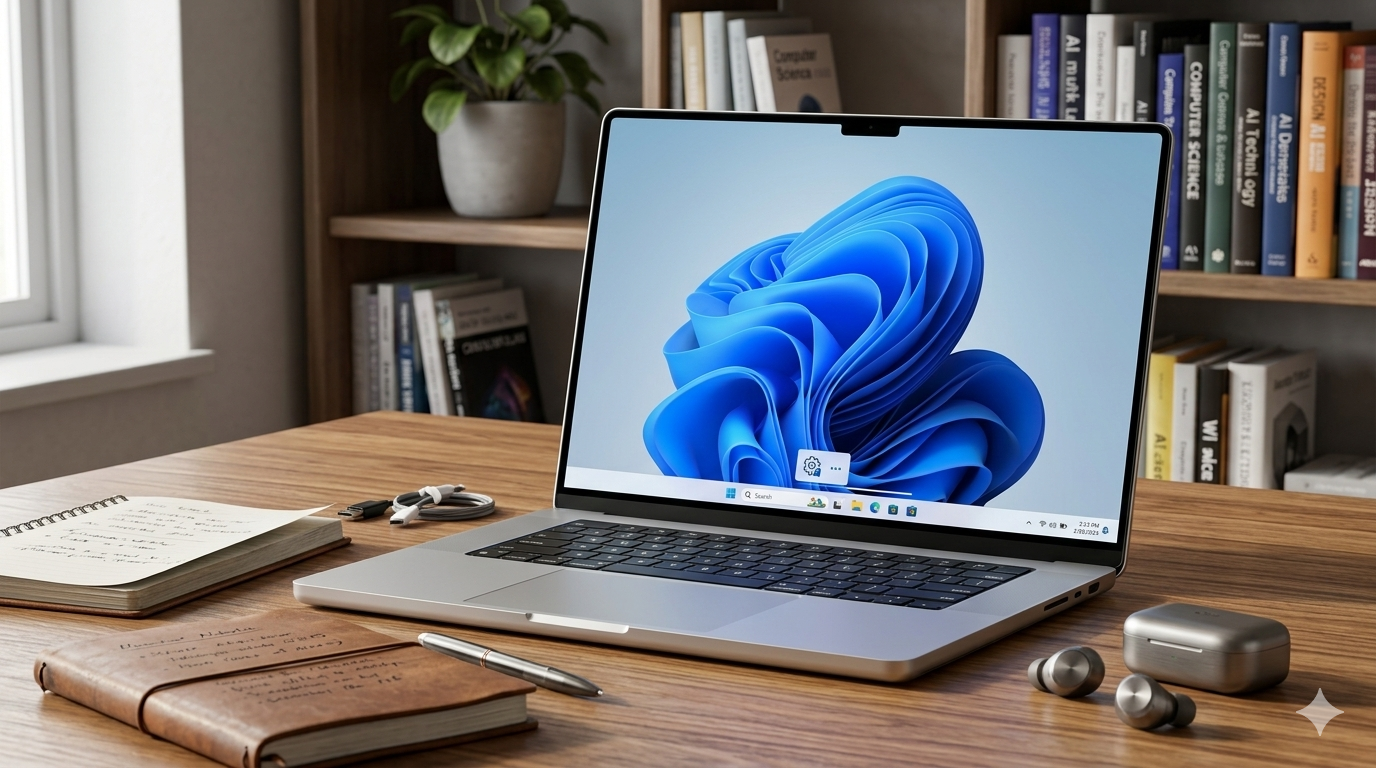
Developers register their agents once (either statically at install time or dynamically at runtime), and those agents then become available across all supporting Windows 11 experiences, including the "Ask Copilot" taskbar and "Microsoft 365 Copilot." This means agents can vary their availability based on user authentication status, subscription tiers, or other runtime conditions.
The 'Windows 11 Taskbar AI' experience is accessed through the new "Ask Copilot" search box. Users can type naturally or use the "@" symbol to surface and tag specific agents. For example, typing "@Researcher" instantly invokes the Microsoft 365 Researcher agent. Agents will appear on the Taskbar with their own icons and live status indicators, showing users what tasks are running and how far along they are.
Every AI agent on Windows 11 operates with minimal permissions and its own distinct agent account, preventing agents from accessing system resources beyond what is strictly needed. That's why security is central to this rollout. Windows will explicitly ask for permission before any agent accesses sensitive information or performs privileged actions.
Reasons for this AI Agent Update:
The company is essentially repositioning Windows 11 from a traditional desktop operating system into a developer-first AI platform, where the OS itself serves as the extensible backbone for the next generation of intelligent, autonomous applications.
As Pavan Davuluri, who is the President of Windows + Devices, explained: by putting AI agents and search directly in the flow of work on the Taskbar, Windows makes AI assistance easier than ever to access without disrupting existing workflows.
Rather than building every AI feature in-house (which was an approach that led to user backlash over intrusive Copilot placements in apps like Notepad, Snipping Tool, and Photos), Microsoft is now building an AI ecosystem where developers compete to create the most compelling agent experiences, and users voluntarily adopt those they find valuable.
Microsoft has confirmed that the Windows AI agent ecosystem will expand significantly with the May 2026 Security Update, when the feature moves from gradual rollout to broad general availability. Microsoft is actively encouraging third-party developers to adopt the Windows.UI.Shell.Tasks API.
Questions for You:
- What are your thoughts on this upcoming update?
- Will you be 'opting-in' to AI agents, or do you prefer keeping your OS AI-free?
- Which third-party AI would you want to see integrated into your taskbar first?
Let me know in the comments, where you can also provide the latest news so I can make a breakdown of it.