
Microsoft has officially acknowledged a serious Windows 11 bug that causes the explorer.exe process to crash or hang, that leads to the taskbar, Start menu and desktop interface disappear immediately after users sign in or after certain Windows Updates. Affected users have reported of seeing a blank desktop with no taskbar or Start menu, even though the system itself is still running.
Recent cumulative updates such as the optional KB5074105 preview update, have made Windows 11 feel unstable, interrupting productivity and causing frustration among both regular users and IT professionals. Microsoft has begun solving this bug and soon provide fixes through Windows Update or manual download links.
Even though the mouse pointer still moves, and Task Manager can usually be accessed, the absence of the graphical interface makes Windows 11 feel non-usable.
This bug primarily affects Windows 11’s core shell processes, especially explorer.exe, which are:
- The taskbar
- The Start menu
- The File Explorer interface
- Desktop icons and shortcuts
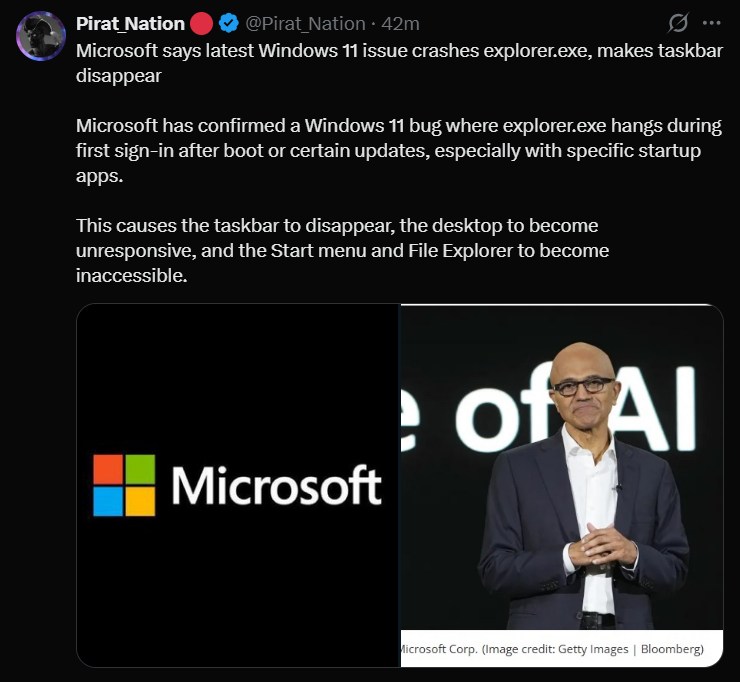
When explorer.exe fails to initialize properly during the early stages of user sign-in, the system can look like it's completely frozen even though it's still running and Users may face such problems:
- Seeing no taskbar at all
- Start menu won't open
- File Explorer won't launch or even crashes immediately
- Desktop icons may be missing
- No visible system tray such as - clock, Wi-Fi, or battery icons
Microsoft first began acknowledging widespread UI crashes and explorer.exe instability in late 2025 that is linking to cumulative updates released from around mid-2025 onward, especially on Windows 11 versions 24H2 and 25H2. In January 2026, Microsoft published an optional preview update (KB5074105) that specifically lists a fix for the explorer.exe hang occurring the first time a user signs in, particularly when certain third-party startup apps are active.
However, many users have reported that this update actually introduced a new wave of glitches.
This update is intended to resolve explorer.exe which not responding during sign-in, solve the missing taskbar on login and crashes triggered by specific startup configurations. The fix is currently rolling out gradually, which means not all systems will receive it automatically yet, and some users might need to manually check for optional updates or use Microsoft's offline installer links.
Microsoft has also been releasing additional cumulative updates that address related UI issues such as search bugs, File Explorer performance problems, and other stability improvements. It's better for users to check for updates regularly, but also avoid installing problematic updates blindly. Restart explorer.exe and install the optional fixes to tackle this situation.
Anyways, what are your thoughts on this bug that has appeared on Windows 11? What was your experience facing this error? What are other solutions you used to solve this issue? Let us know all your answers in the comments where you can also provide the latest news so I can make a breakdown of it.